
Download 8 Skin Pack – Windows 8 Theme for Windows 7
Overview
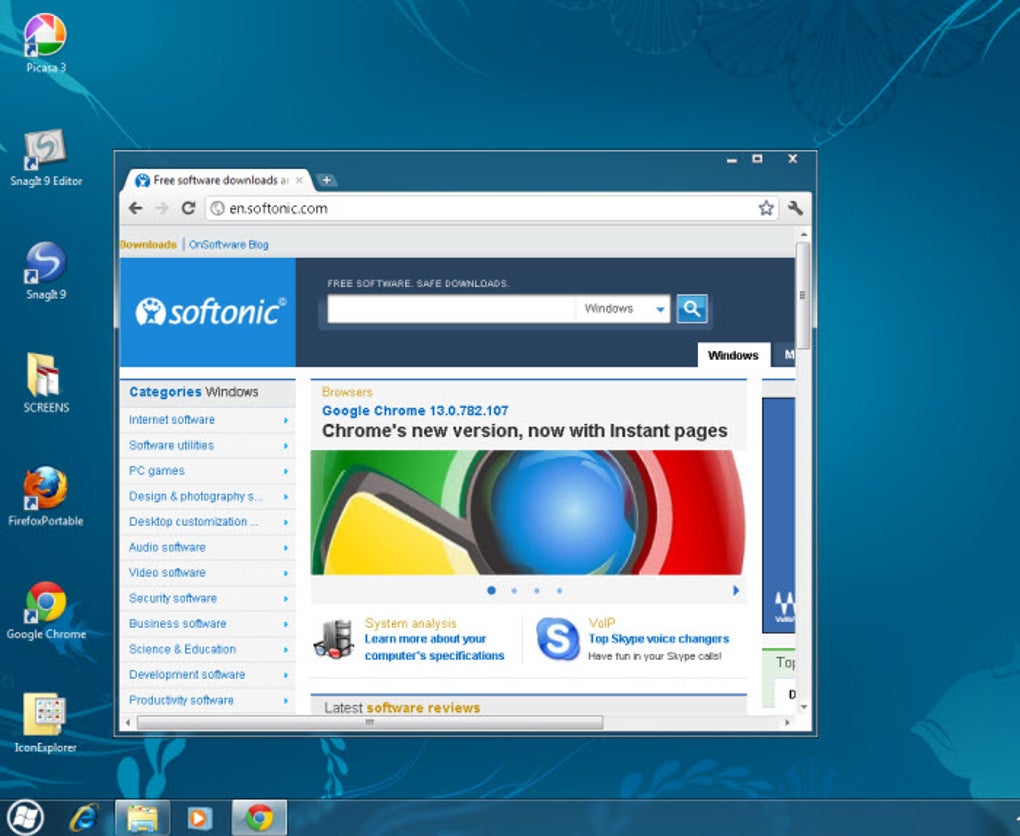
The 8 Skin Pack is a high‑quality desktop theme that brings the sleek, flat design of the upcoming Windows 8 operating system to a Windows 7 environment. If you’ve been waiting for Microsoft’s next OS and want to preview its visual language today, this theme gives you a full‑scale makeover—changing the start‑up screen, wallpaper, taskbar, and even the look of Explorer windows. The package is distributed as a ZIP archive that contains a single executable installer.
Once run, the installer automatically patches the essential uxtheme.dll file, enabling third‑party themes without manual registry edits. After a quick reboot, your PC will display the modern Windows 8 aesthetic while retaining the familiar stability of Windows 7. The theme is lightweight, free to download, and designed for users who value both style and simplicity.
Whether you are a power user who likes to customize every pixel, or a casual desktop enthusiast looking for a fresh look, the 8 Skin Pack offers an effortless way to experience the future of Windows today.
Key Features of 8 Skin Pack
- Complete UI Overhaul: Replaces the classic Windows 7 start screen, taskbar, and Explorer window frames with Windows 8‑style elements.
- High‑Resolution Wallpapers: Includes three native‑resolution backgrounds that automatically adjust to your monitor size.
- One‑Click Installation: The bundled EXE patches
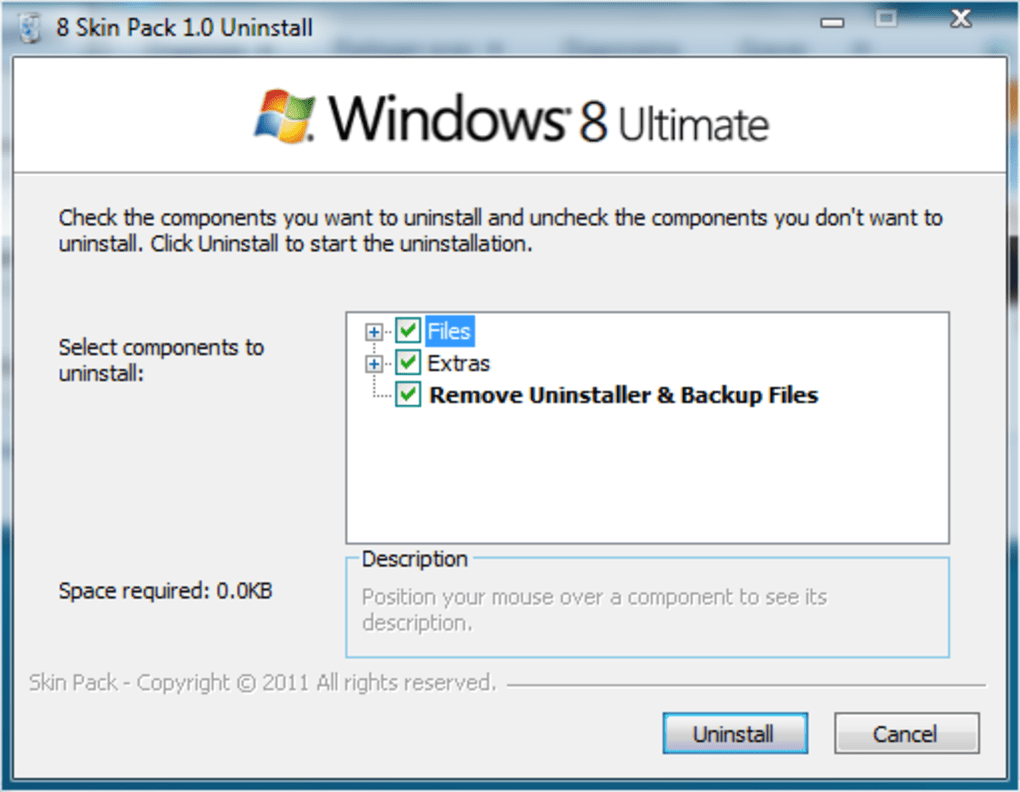
uxtheme.dllautomatically, eliminating the need for third‑party patchers. - Easy Uninstall: A dedicated entry appears in the Control Panel, allowing you to remove the theme with a single click.
- Secure Updates: Future releases are signed and delivered via a secure HTTPS link, ensuring a safe download experience.
- Low System Impact: The theme runs smoothly on typical Windows 7 hardware without noticeable performance loss.
- Customizable Start‑up Screen: Choose between a minimalist tile layout or a classic icon grid.
These features make the 8 Skin Pack more than just a visual tweak; it’s a functional redesign that respects the underlying Windows 7 architecture. The theme’s developers have focused on compatibility, ensuring that all core components—such as the taskbar clock, system tray, and window shadows—behave exactly as they do in the native OS. In addition, the theme supports multiple monitor setups, automatically scaling UI elements to match each screen’s DPI setting. For users who appreciate a clean, modern look without sacrificing stability, the 8 Skin Pack delivers a balanced mix of aesthetics and practicality.
Installation, Usage & Compatibility
Step‑by‑Step Installation Guide
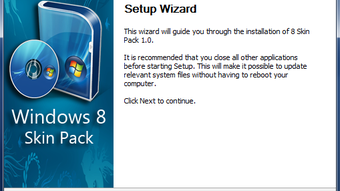
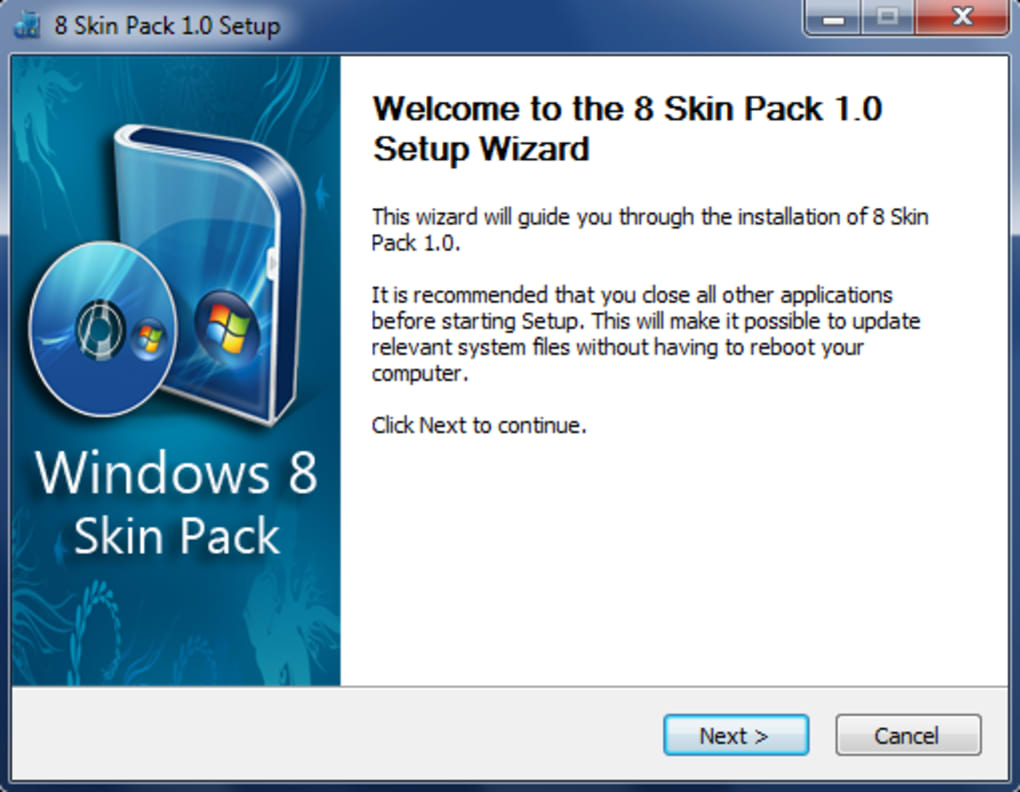
Installing the 8 Skin Pack is straightforward, even for those who are new to theme customization. Follow these steps for a smooth setup:
- Download the ZIP archive from the official website (ensure the URL begins with
https://for a secure connection). - Extract the contents to a folder of your choice.
- Run
8SkinPack_Installer.exeas an administrator (right‑click → “Run as administrator”). - The installer will back up the original
uxtheme.dll, apply the patch, and copy theme files to the Windows theme directory. - When prompted, click “Restart now” to apply the changes. A reboot is required for the new UI to load.
- After reboot, open the “Personalization” control panel, select “8 Skin Pack” from the theme list, and enjoy the new look.
Using the Theme
Once activated, you can switch between the classic Windows 7 layout and the Windows 8 style directly from the theme settings. The start‑up screen offers two visual modes: a tile‑based layout reminiscent of Windows 8, and a more traditional icon view. The taskbar adopts the flat, translucent design, while Explorer windows display a refined title bar and updated folder icons. If you prefer the original Windows 7 appearance at any time, simply return to the “Personalization” panel and select a different theme—no need to reinstall the original files.
System Compatibility
The 8 Skin Pack is built specifically for Windows 7 (both 32‑bit and 64‑bit editions) and is fully compatible with Service Pack 1 and later updates. While the theme targets Windows 7, it also works on Windows 8/8.1 and Windows 10 in “classic” mode, though some visual elements may be overridden by the newer OS’s native theme engine. The installer checks for the required version of uxtheme.dll and will abort if an incompatible version is detected, preventing system instability. Users running Windows XP or earlier are not supported, as the underlying UI framework differs significantly.
Pros, Cons & Frequently Asked Questions
Pros
- Instantly transforms Windows 7 into a modern, Windows 8‑looking environment.
- One‑click installer handles all necessary DLL patches automatically.
- Low CPU and RAM usage; does not degrade system performance.
- Secure, signed updates keep the theme safe from tampering.
- Easy removal via Control Panel without leaving residual files.
Cons
- Requires a system reboot after installation, which may interrupt workflow.
- Only supports Windows 7 officially; users on older OS versions cannot install.
- Some third‑party applications with custom UI may not fully adopt the new theme.
- Limited customization beyond the provided start‑up screen options.
FAQ – Your Questions Answered
Is the 8 Skin Pack safe to install?
Yes. The installer is digitally signed and downloads from an HTTPS source. It only modifies the uxtheme.dll file, which is restored automatically if you uninstall the theme.
Do I need any additional software to use the theme?
No. The theme includes its own patcher, so you don’t need third‑party tools like UltraUXThemePatcher.
Can I revert to the original Windows 7 look?
Absolutely. Use the “Uninstall” entry in the Control Panel or simply switch to another Windows theme in the Personalization settings.
Will the theme affect system performance?
The 8 Skin Pack is lightweight and has been tested on typical Windows 7 hardware. Users report negligible impact on CPU, RAM, or battery life.
How do I receive future updates?
Visit the official download page periodically. Updates are posted with version numbers and can be downloaded via the same secure link.
Review Summary: The 8 Skin Pack delivers a polished, Windows 8‑style makeover for Windows 7 users while keeping the installation process simple and safe. Its pros outweigh the minor inconvenience of a required reboot, making it a solid choice for anyone looking to refresh their desktop without compromising stability.
Conclusion & Call to Action
In a landscape where visual freshness often requires waiting for official OS releases, the 8 Skin Pack offers a practical shortcut. By providing a complete set of UI changes—start‑up screen, taskbar, Explorer windows, and high‑resolution wallpapers—the theme lets you experience the modern aesthetics of Windows 8 today, all while staying on the reliable Windows 7 platform. Installation is streamlined, the impact on system resources is minimal, and removal is just as easy. If you’re ready to give your desktop a sleek, contemporary look without diving into complex tweaking, simply download the 8 Skin Pack now, follow the quick install steps, and enjoy a fresh visual experience.
Remember to bookmark the official page for future updates, and feel free to share your revamped desktop on social media using the hashtag #8SkinPack. Happy customizing!







